
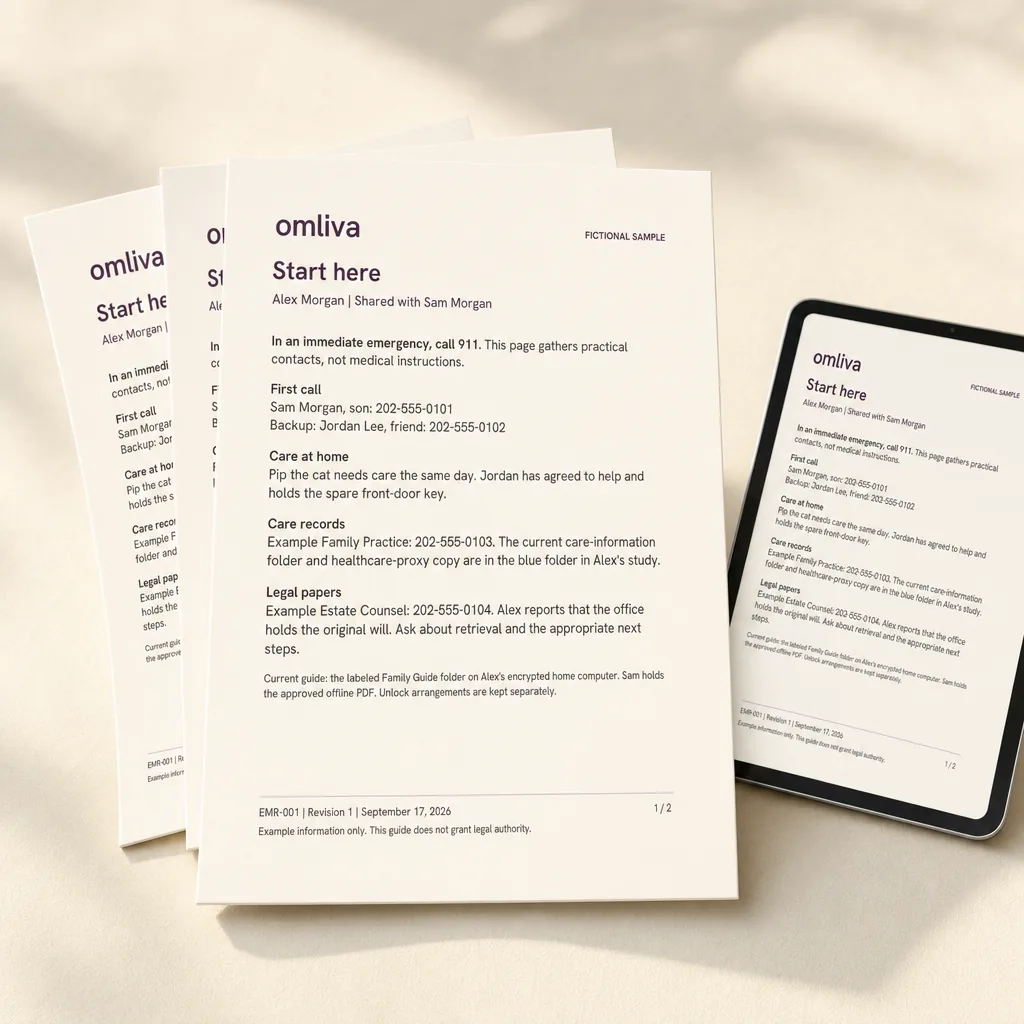
Your family guide, as a large-type PDF
Your answers become readable pages: who to call first, where the documents are, what needs attention at home. Download it as a PDF and as an editable Word file, and share the pages you choose.
Answer Omliva’s guided questions online and get a large-type family guide as a PDF, plus a ready-made folder structure in your own Google Drive or Dropbox. Your documents, contacts and wishes, together for the day someone needs them.
14997250 once. No subscription. Nothing is mailed to you.
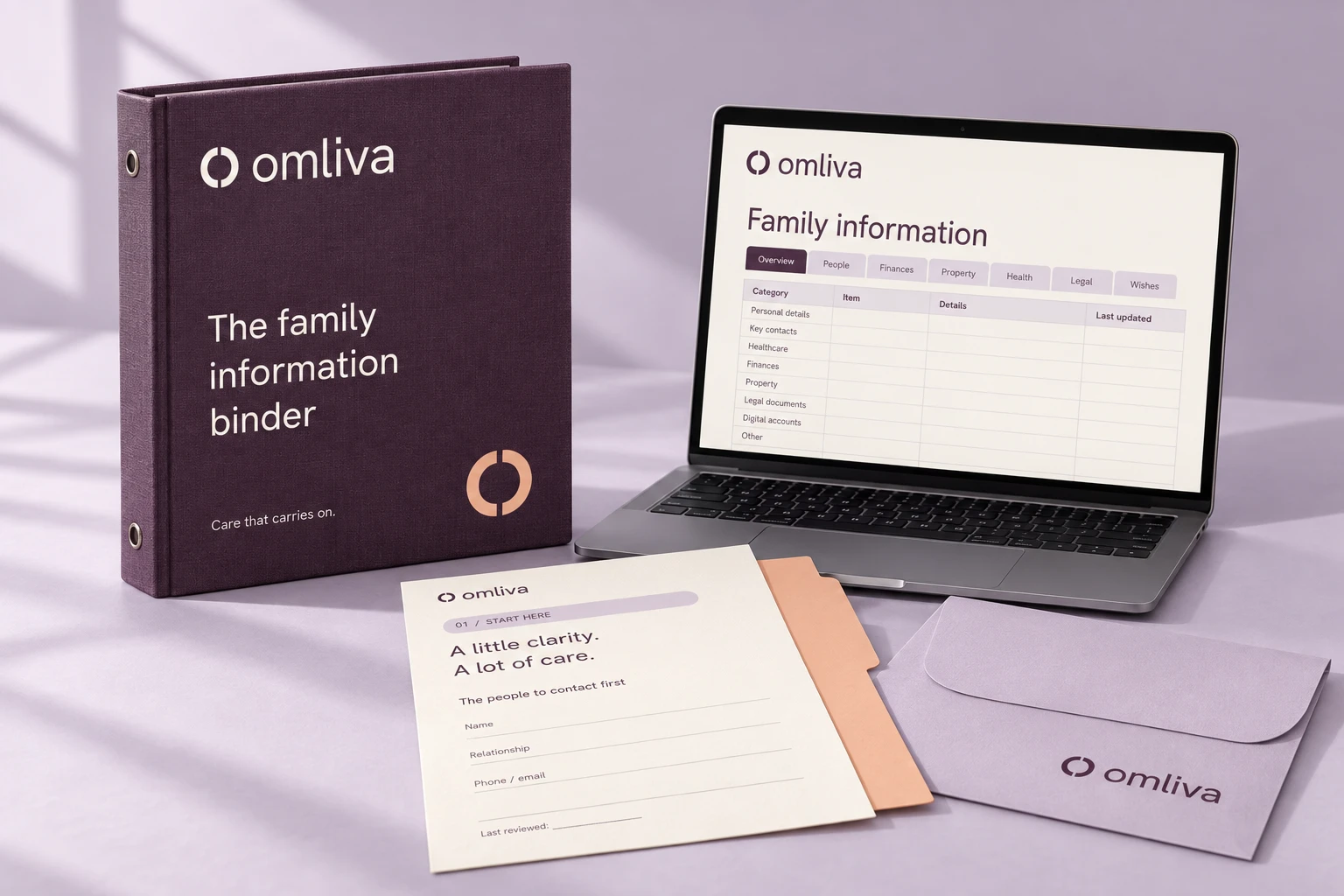
Digital product, nothing shipped
One payment of 14997250, no subscription
Your documents stay in your own Google Drive or Dropbox
No will, no lawyer, no notary included
Everything Omliva makes arrives on screen: a PDF you can download, folders in storage you already own, and a walkthrough that runs in your browser. If you want paper, print the PDF yourself.
Your answers become readable pages: who to call first, where the documents are, what needs attention at home. Download it as a PDF and as an editable Word file, and share the pages you choose.

We set up 21 named folders with a plain-English note in each, inside an account you already own. Your scans go there. Omliva never holds your files, and you keep them if you stop using us.
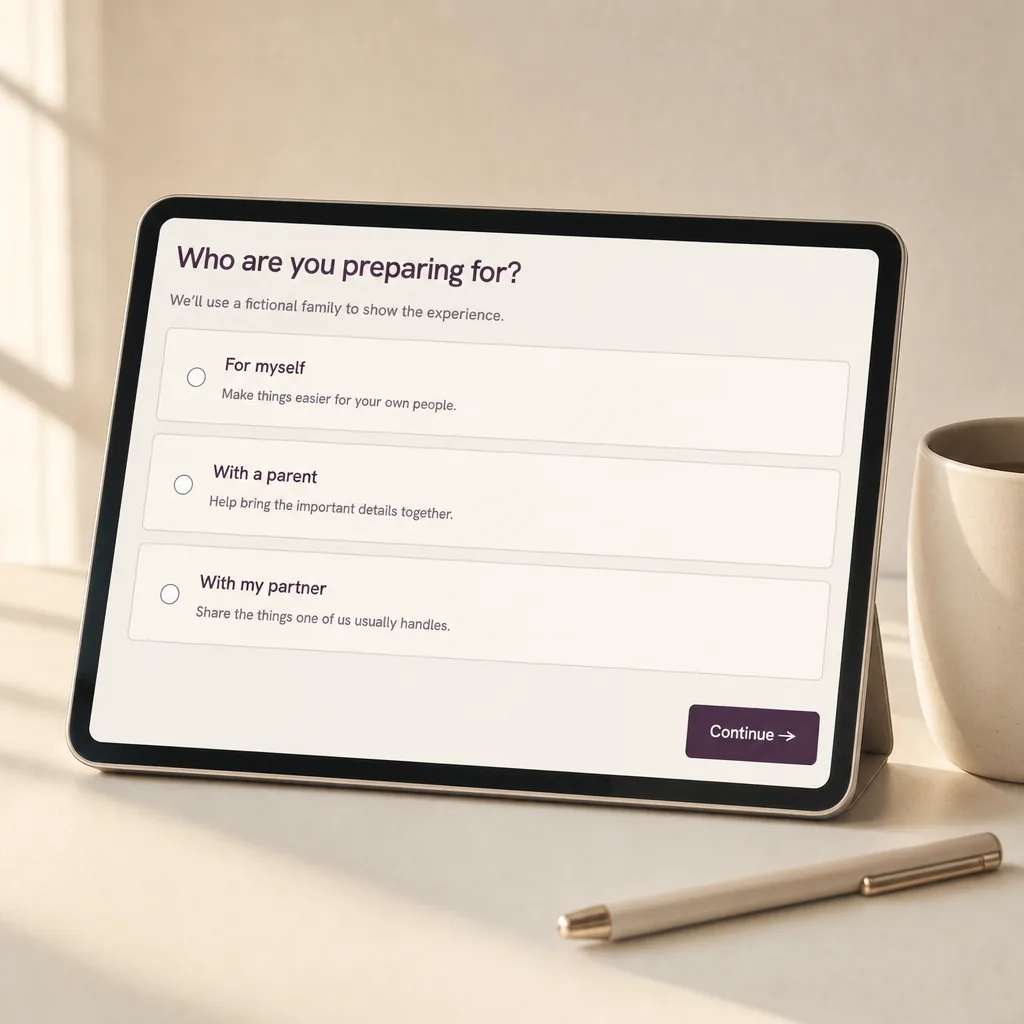
No blank page. Four Essentials sessions come first: who to call, where the will is, home and pets, the bills that auto-pay. About an hour, and you have a guide worth handing over. The other sessions add depth whenever you want it.
Omliva organizes. It does not draft, sign, notarize or advise. That line matters to us and to you, so here it is in full.
Already have an estate plan? Good. Omliva is the layer around it: the guide tells your family where the plan is, who prepared it and what else they need to know. If you do not have one yet, our guide to end of life planning explains which documents a lawyer can help with.
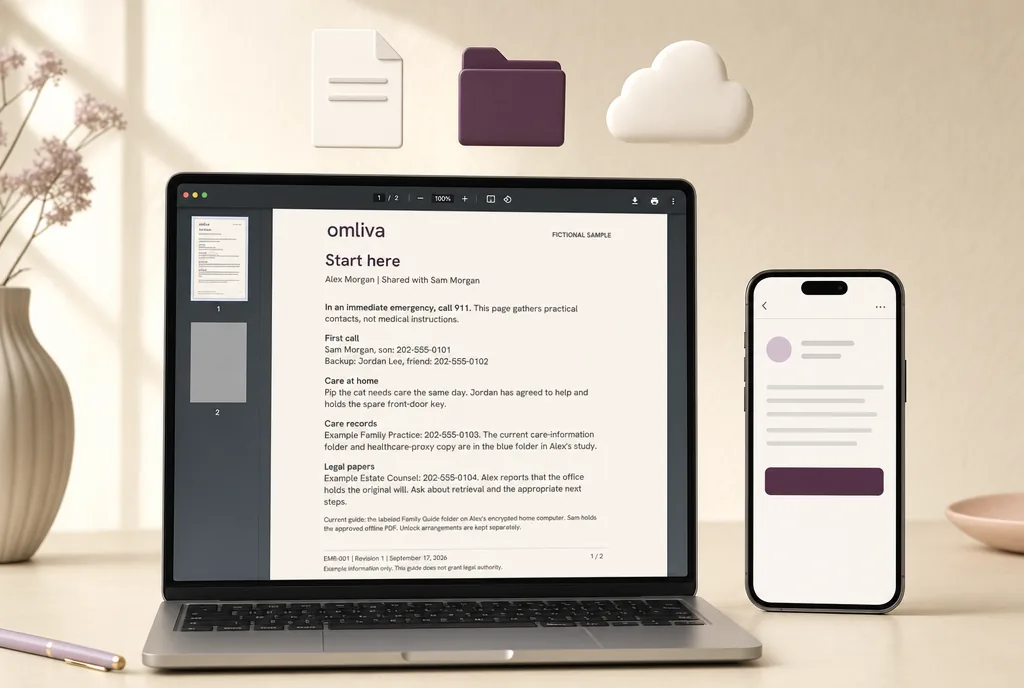
An email with your login.
The walkthrough opens in your browser, on any device.
Your PDF is ready to download after your first session, and updates as you go.
Connect your Google Drive or Dropbox and the folders appear in your own account. Share the folder with at least one named person, and Omliva walks you through it as part of the handoff step.
The PDF is laid out in large type so it prints well at home or at any print shop, if paper is what your family prefers.
Omliva’s online walkthrough breaks the preparation into short sessions at your own pace.
How Omliva works
Start with what you know. The prompts help you cover the details your family might otherwise have to ask about. Skip anything you need to check.
Your answers become clearly organized pages, with key contacts up front. Your Google Drive or Dropbox gets a folder for every topic, ready for the documents themselves.
Change a contact, add a document location or revise a wish in your account. The guide regenerates; the folders stay where they are, in your own storage.

Perhaps you’re getting your own affairs in order. Or sitting down with a parent to ask the questions you’ve been meaning to ask, using our guide to talking to aging parents as a starting point.
Start with something simple: where the important papers are, who knows the house, what matters most. You don’t need every answer to make a useful beginning.
So when your family needs to help, they can spend less time searching and more time looking after one another.
Get OmlivaNo. Omliva is entirely digital: a walkthrough in your browser, a PDF you download, and folders set up in your own Google Drive or Dropbox. Nothing is printed or shipped. If you would like a paper copy, print the PDF yourself; it is laid out in large type for exactly that.
No. Omliva organizes the practical information around your estate plan. It helps your family locate existing documents, find the right contacts and understand everyday arrangements. It does not create legal documents or provide legal advice.
Not for Omliva itself. You may need an attorney for a will, a trust or a power of attorney, and some documents need a notary or witnesses. Omliva does not include or replace any of that. Your guide has a place to record which attorney prepared your documents and where the signed originals are.
Your documents live in your own Google Drive or Dropbox. Omliva prepares the folders and the notes inside an account you already own, and the files you add stay there; Omliva does not hold them. What Omliva does hold is the answers you type into the walkthrough (contacts, locations, wishes), so it can build and update your guide. Never passwords, PINs or full account numbers, and you can ask us to delete your answers at any time.
That is exactly what the handoff step is for, and the walkthrough does not treat it as optional. Before your guide is marked ready, you share the folder with at least one named person using Drive’s own sharing, you set up your provider’s inactive-account option (Google’s Inactive Account Manager, for example) so access passes on if your account goes quiet, and you record where a printed start-here page is kept. Your family then has three ways in, none of which depend on your password or on Omliva.
Nothing changes. Updates are included for as long as your account exists, with no renewal and no yearly charge. Your account shows a yearly check-in and a prompt after life events so the guide stays current. And because you also get an editable copy of the guide in your own Google Drive or Dropbox, you can keep it current even if you stop using Omliva.
Yes. You can work through the questions together. Your parent chooses what to include and who to share it with. You can start with contacts and document locations, without recording passwords or full account numbers.
14997250, paid once, with no subscription. Everything it includes, and everything it does not, is listed above and on the pricing page. The walkthrough and the sample guide are free to explore now. The walkthrough is one real session that stays in your browser; nothing you type is sent to Omliva.
For estate-planning and elder-law firms: a proposed model in which clients prepare a family guide alongside the documents you draft, with a “prepared by” line that points them back to you.
Care That Carries On
14997250 once. Digital. No subscription.
Get Omliva